
Your people move between a dozen systems to get through a day – somewhere to find the policy, somewhere else to raise the request, a third place to ask whoever knows. Whether that feels joined up or exhausting rarely comes down to the tools themselves. This page sets out the work we do, and how to tell which part of it is yours.
7am to 11pm UK
Sixteen hours. Covers the full working day in the UK, Europe and most of North America.
Four priority levels
Two-hour response on a P1, with commitments published below rather than buried in a contract.
Thirteen specialists
Across three escalation levels. The senior specialist on your account has usually worked on your build.
Round-the-clock self-service
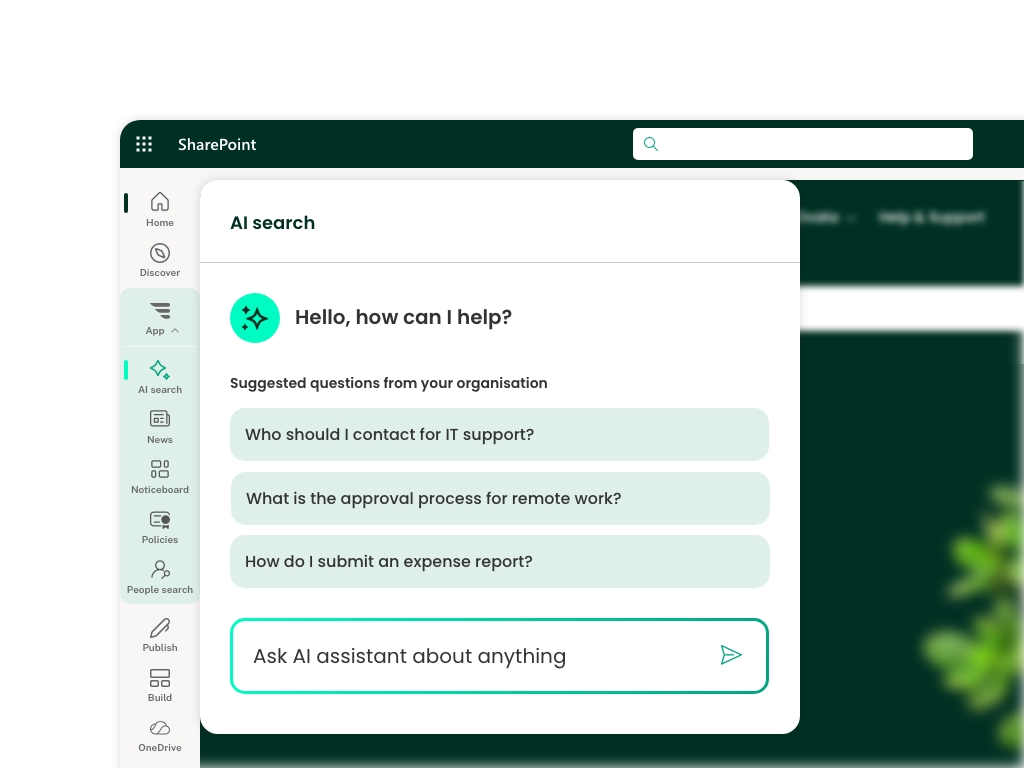
Knowledge base and AI assistant, for the hours we are closed or the questions you would rather answer yourself.
Software vendors use the word “solutions” to mean one product you install. The difficulty is that there are six things here, and no product covers more than two of them. Some parts you buy, because the requirements are near-identical in every business. The rest depends on how your organisation is actually put together, and has to be designed.
This distinction is not academic. It explains the most common failure we are called in to repair, which is rarely a bad platform. It is usually a good one, bought to answer a problem nobody had defined – because the four things that decide whether it works were never settled.
Where content lives, how it is organised, and who owns it.
What the business actually needs, evidenced rather than asserted.
How people will actually meet it, designed before it is built.
Native, an add-on, or something custom. This is the last decision, not the first.
Almost every digital workplace problem turns out to be one of the first three. Choosing the technology first and reverse-engineering the requirements to fit it is the most expensive mistake in this field, and the most common. Those four decisions get made about each of the six components below: the four are the order, the six are the scope.
Every Microsoft 365 digital workplace has these six layers, whether or not anyone designed them deliberately. Most of the problems we are asked to fix are one of them being left to chance.
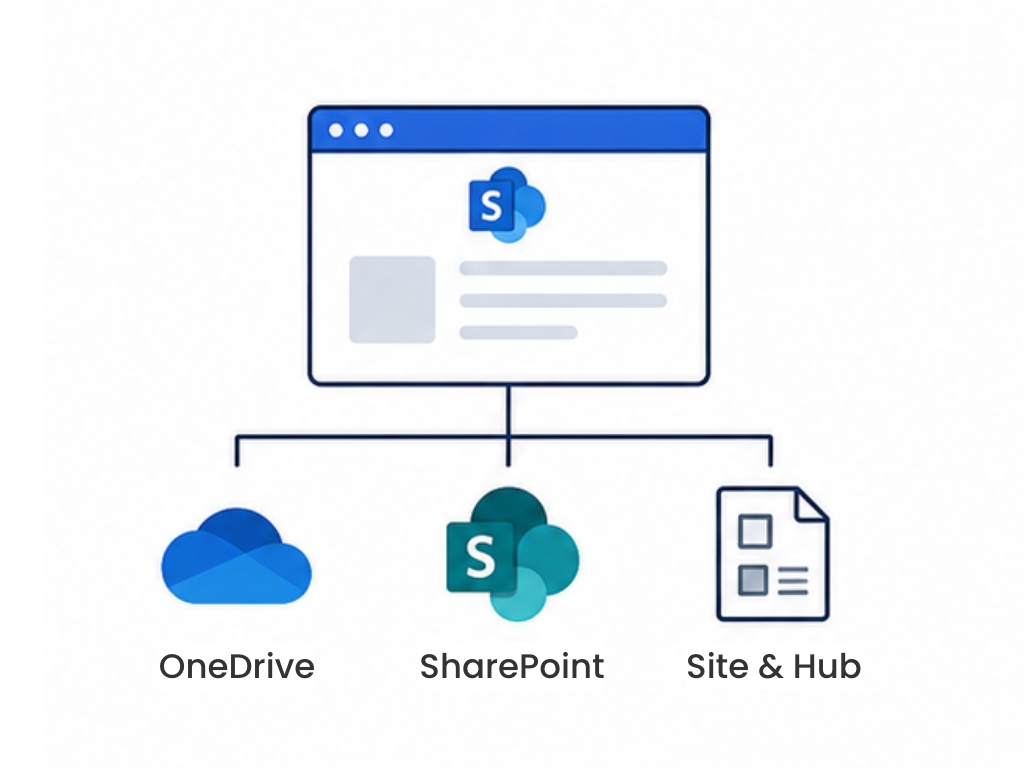
Site and hub structure, the OneDrive versus SharePoint boundary, permissions, metadata and content types. This is the layer that decides whether everything above it works, and it cannot be retrofitted cheaply – restructuring a tenant with fifteen thousand sites in it is a project, not a change request.
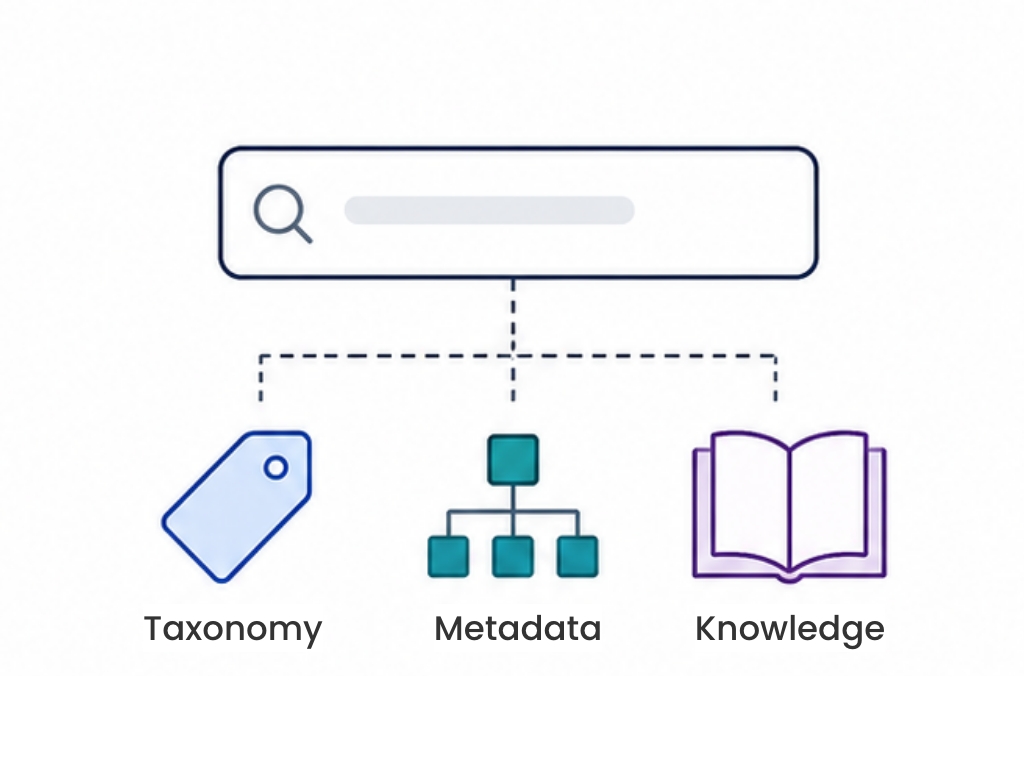
Search configuration, taxonomy, and making the knowledge a business already owns reusable – proposals, research, project history, expertise. Distinct from records management, which is about retention. This is about reuse, and it is also what makes Copilot trustworthy rather than confidently wrong.
The front door. Navigation at scale, targeted communications, news that reaches the right people, and a landing experience that gives employees a reason to return. This is the component most often bought as a product rather than built, and for good reason.
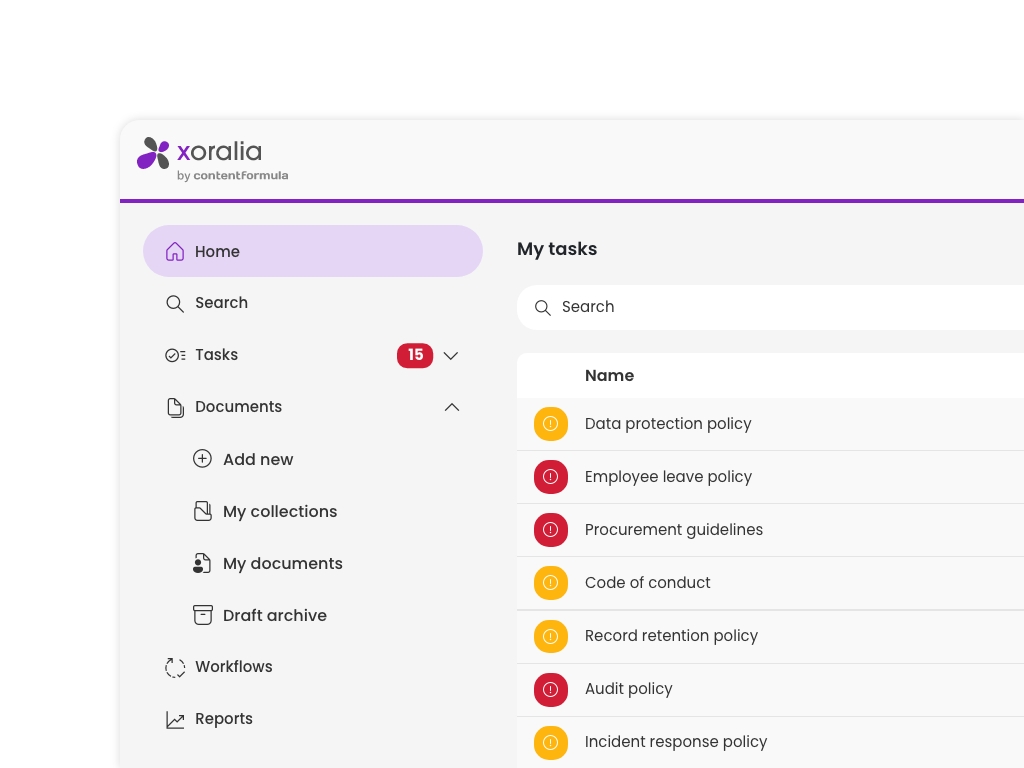
Ownership, review cycles, and what happens to content nobody maintains. In regulated businesses this extends to policy distribution, attestation and audit evidence – proving the right people read the current version. Ungoverned content is the root cause of most search and AI problems.
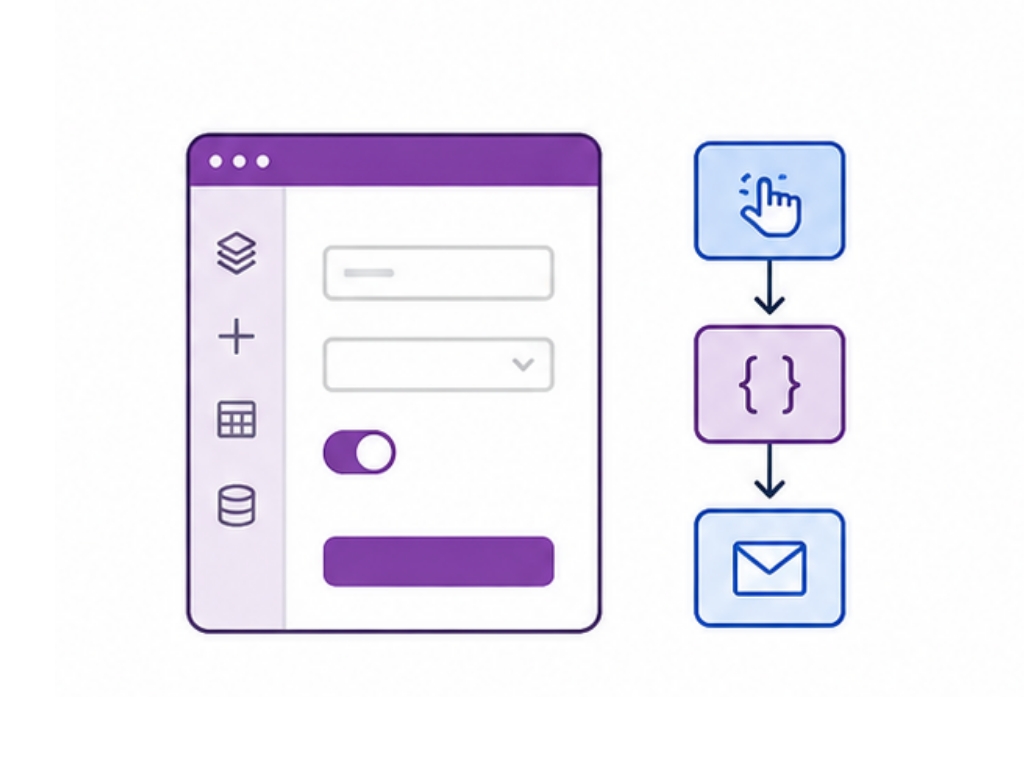
The processes still running on a spreadsheet and an inbox. Power Apps, Power Automate and custom SharePoint development, built where they genuinely earn their place – and governed, so citizen development does not quietly become the next problem to solve.
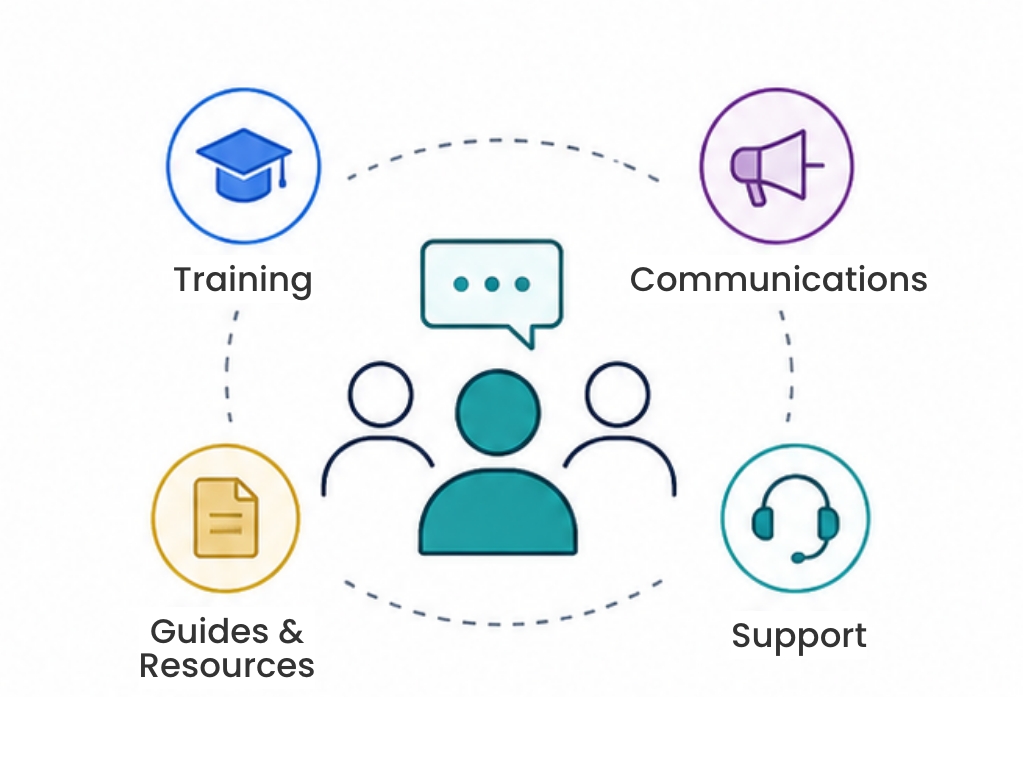
Adoption designed in from the start rather than added at launch, then the years afterwards – support, iteration, and someone accountable when something breaks. Digital workplaces do not fail on launch day. They decay quietly over eighteen months.
Everything here sits on SharePoint and Microsoft 365. The real question is what you need within it – native out of the box, some configuration, an add-on, or something designed for your business. That difference, and not budget, is what should decide it.
Components where the requirements are broadly the same in every business, the problem is well understood, and building from scratch means paying to reinvent something mature. These run inside your existing tenant rather than beside it.
Components that depend on how your business is actually organised, and where a generic answer produces a system people work around rather than with.
You are already paying for Microsoft 365. A dedicated platform – Unily, Simpplr, Staffbase, LumApps – means paying again for something that sits alongside what you already own, and handing your IT team a second environment to secure, govern, patch and integrate. They are capable products, and for some businesses that is the right call. It is worth knowing what your existing tenant already does before you commit to running two. If a platform outside Microsoft 365 is the direction you want, we will say plainly that we are not the firm for it.
And sometimes the answer is neither. Native SharePoint has improved considerably, and staying out of the box means lower cost and easier long-term management. Plenty of businesses that ask us for an intranet product need a structure fix and some configuration. We will tell you when that is the case – including when it means we sell you nothing.
Intranet and communications, and content lifecycle and policy compliance – components 3 and 4 above – are where the requirements are close to identical in every business. That is why they tend to sit naturally with our own products rather than being built from scratch each time. Both are SharePoint-native, so they run inside the tenant you already have rather than beside it.

A branded SharePoint intranet employees actually use, live in weeks rather than months. Navigation and targeting that work at scale, without the rebuild a custom intranet needs every few years.

Stop managing compliance and start proving it. Policy distribution, read attestation and audit-ready evidence that the right people saw the current version – inside SharePoint, where the documents already live.
Nine capabilities. Most engagements use two or three, not all nine – working out which is what a discovery is for.
Work out what is actually broken before anything gets chosen.
Structure, navigation, and the experience employees actually meet.
Make what you already own findable, and reusable by the next person.
Get content into a state where Copilot can be trusted.
Power Apps, Power Automate, and the processes still on a spreadsheet.
SPFx and development, where it genuinely earns its place.
File shares, legacy platforms, and tenant-to-tenant moves.
Someone accountable for the years after launch.
Covers every part of a digital workplace, and works as a flexible extension of your team - from platform strategy and architecture through to Microsoft 365 training.
Tell us which component is causing the problem – or that you are not sure which one it is, which is just as common. Sometimes SharePoint already does what you need and has simply never been set up that way. Often it does most of it but not all, and shaping the rest around how your business runs is the work. Where it genuinely cannot, we will tell you that too. That is what two decades as a digital workplace consultancy buys you – we have no product to defend in this conversation.
Digital workplace solutions are the tools, content structure and processes that let employees do their jobs in one connected environment – in a Microsoft business, typically SharePoint, Teams, Viva, OneDrive, the Power Platform and Copilot. Software vendors generally use the term to mean a product you install, which describes one component of it. The wider meaning includes the structure, permissions, ownership and governance that determine whether the product gets used. A capable platform with no information architecture behind it is the most common reason digital workplace projects fail.
It depends which of the six components is broken, and most businesses need some of each. The intranet front door and policy compliance are close to identical across organisations, so buying a mature product is usually cheaper than building and maintaining one. Information architecture, taxonomy, applications and adoption depend on how your business is actually organised, so a generic answer produces a system people work around. We sell both, which is exactly why we start with a discovery rather than a recommendation.
Because the impartial question is not which platform – it is what you need within SharePoint. Native out of the box, some configuration, one of our add-ons, or a custom build. The discovery is fixed-price and you own what it produces, and we are paid the same whichever of those four the roadmap points at, including when it points at doing nothing. Both products exist because we kept building the same foundations from scratch for every client, and doing that from zero ran into six figures and took months – so when an add-on is the right answer it is usually because rebuilding it would be worse value. This page routes you to them for exactly two of the six components, and not for the other four. To be clear about the limit: we do not advise on platforms outside Microsoft 365, so if that is what you want, we are not impartial – we are simply the wrong firm, and we will tell you.
Copilot has not created a new problem – it has made an existing content problem visible and expensive. It answers from whatever it can find, so an ungoverned tenant with duplicate documents and no ownership produces confident answers drawn from the 2021 version. That is why the knowledge and findability component matters more now than it did three years ago, and why Copilot readiness is mostly a content and structure exercise rather than a licensing one.
Yes. We are based in London and have delivered digital workplace consulting across the UK, US, Canada, Europe, the Middle East and Asia Pacific, for organisations from 150 to 32,000 employees. Both of our products run inside your own Microsoft tenant, so data residency follows your existing Microsoft 365 configuration rather than being a separate decision.
With a discovery, which establishes structure, business requirements and user experience before any technology is chosen. It is deliberately platform-agnostic: you own the roadmap it produces regardless of who delivers the build, and it frequently concludes that less needs building than expected. Choosing the technology first and reverse-engineering requirements to fit it is the most expensive mistake in this field, and the one we are most often called in to repair.
We use cookies to enhance your experience. You can accept, reject, or customise your choices. Learn more via our links below.